Setup and Implementation Guide
Get ProtoWall running in front of your prototype in a few minutes. No SDK, no code changes to your app.
1. Create your account
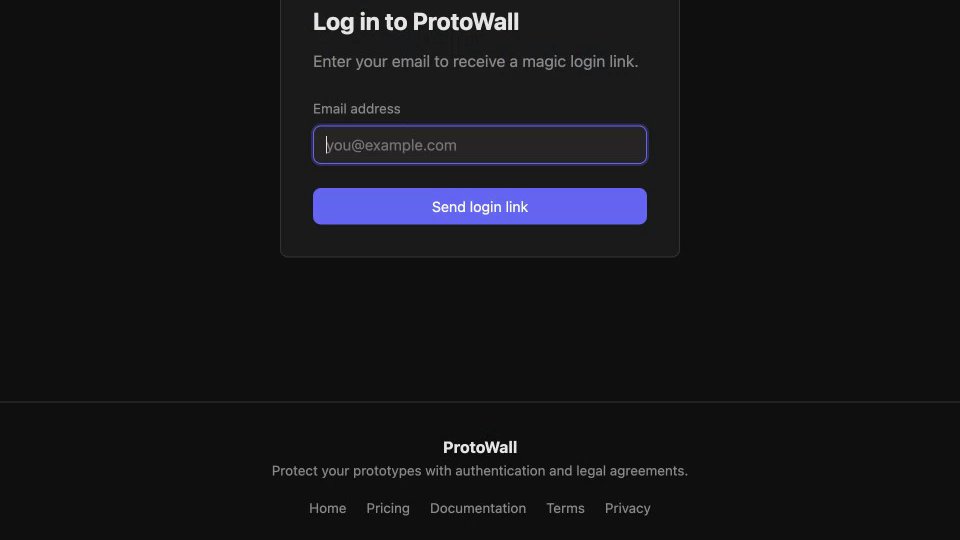
Sign up at protowall.app with your email. Free plan, no credit card. You'll receive a magic link to log in.
2. Create a project
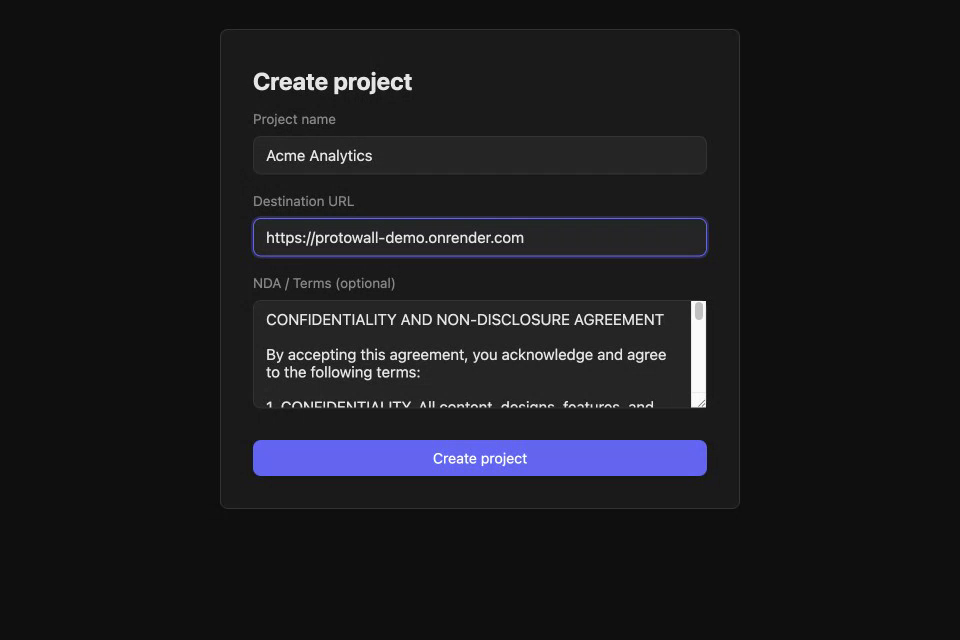
From the dashboard, click "New project" and fill in:
- Project name - whatever you want to call it
- Prototype URL - where your prototype is running (e.g.
https://my-prototype.vercel.app)
ProtoWall generates a review link and an origin secret for your project automatically.
3. Invite reviewers
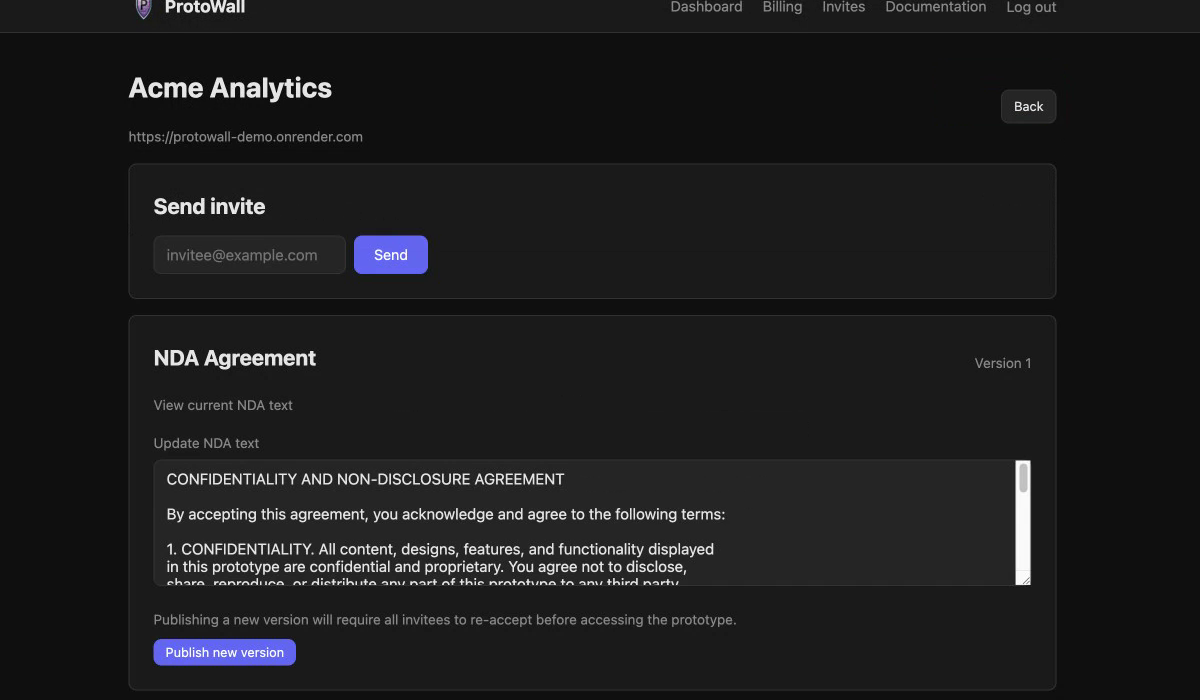
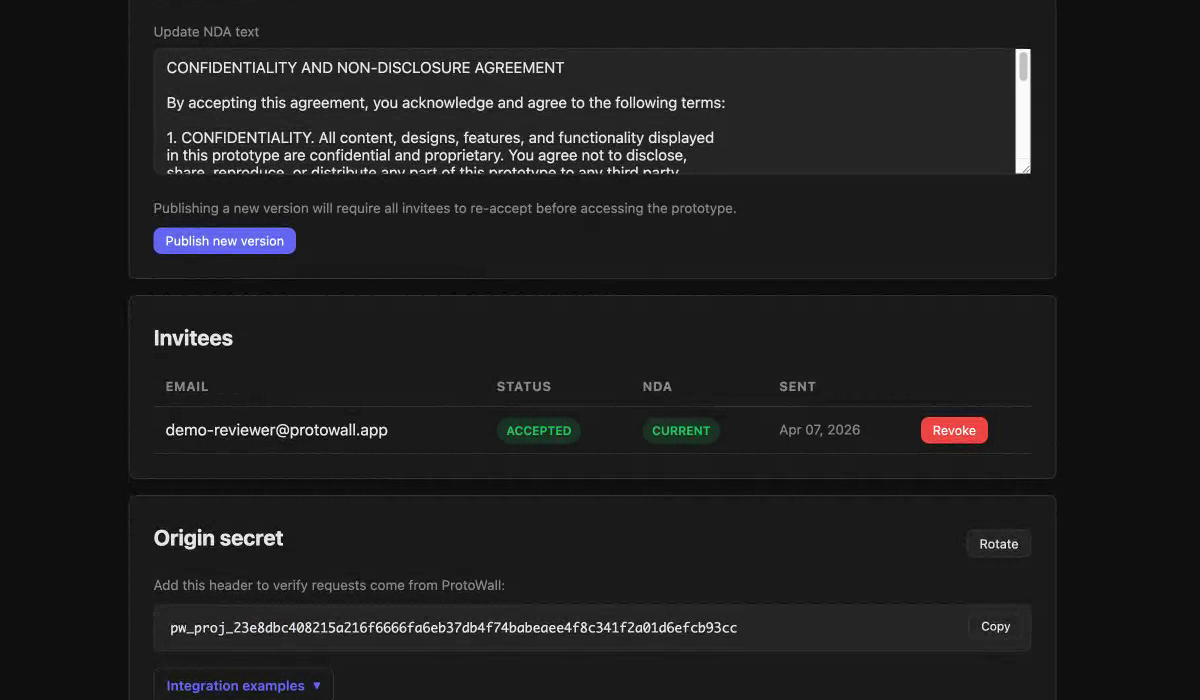
Add reviewers by email on the project page. They'll get an email with a direct link straight into the prototype. One click and they're in — no accounts or passwords on their end. If you've turned on the optional NDA gate for the project, they accept it on the way in; otherwise they go straight through.
You can also click Preview prototype at the top of the project page to see your proxied prototype yourself, without needing to self-invite.
4. Origin secret verification (optional)
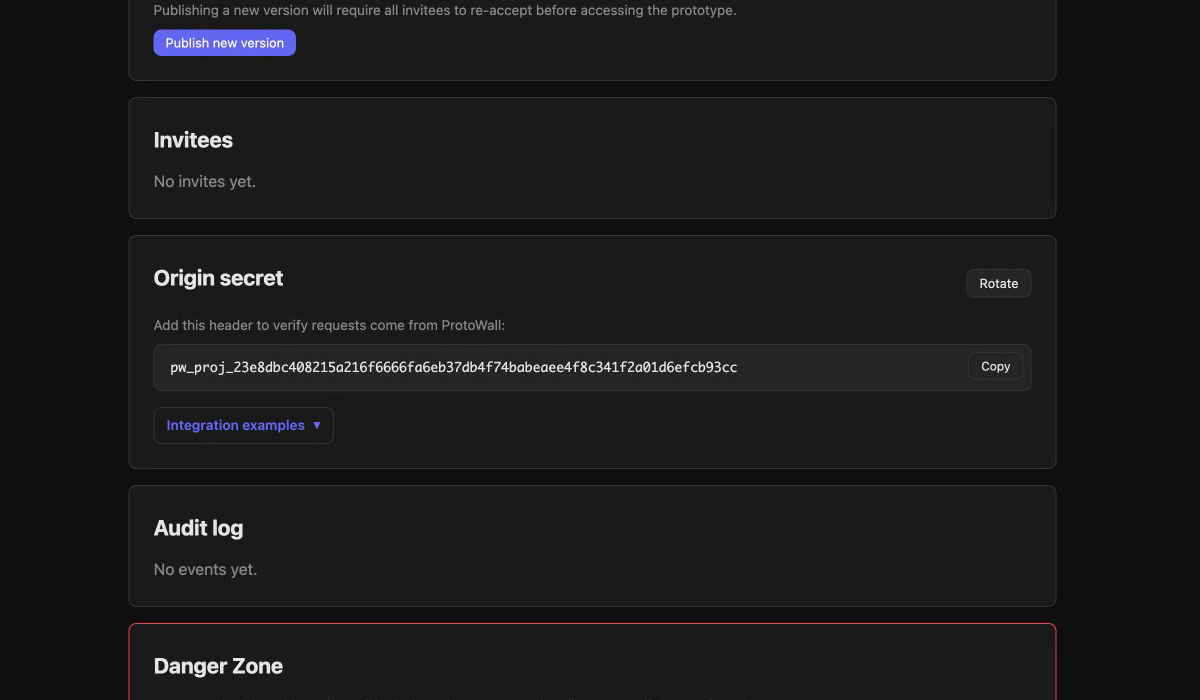
By default, ProtoWall proxies authenticated traffic to your app and that's it. For an extra layer of security, you can verify that incoming requests actually came through ProtoWall by checking the origin secret header.
Each project gets a unique secret. Copy it from the project dashboard, set it as an environment variable on your server, and add a quick check:
Express / Node.js
const PROTOWALL_SECRET = process.env.PROTOWALL_SECRET;

app.use((req, res, next) => {
  if (req.headers['x-protowall-secret'] !== PROTOWALL_SECRET)
    return res.status(403).send('Forbidden');
  next();
});
Flask / Python
import os
PROTOWALL_SECRET = os.environ["PROTOWALL_SECRET"]

@app.before_request
def verify_protowall():
    if request.headers.get("X-Protowall-Secret") != PROTOWALL_SECRET:
        abort(403)
FastAPI / Python
import os
PROTOWALL_SECRET = os.environ["PROTOWALL_SECRET"]

@app.middleware("http")
async def verify_secret(request, call_next):
    if request.headers.get("x-protowall-secret") != PROTOWALL_SECRET:
        return JSONResponse(status_code=403, content={"error": "Forbidden"})
    return await call_next(request)
Set PROTOWALL_SECRET as an environment variable on your server with the value from your project dashboard. You can rotate the secret at any time from the dashboard.
Using a coding agent? Point it at the Agent Integration guide and it will detect your framework and add the middleware automatically.
5. Manage access
From the project page you can:
- Revoke access for any reviewer instantly (sessions are terminated immediately)
- Set a TTL on invites — 24h / 7d / 30d / never — for auto-revocation (Pro)
- Toggle the optional NDA gate on or off per project. When on, publishing a new NDA version makes existing reviewers re-accept before regaining access; off by default, so reviewers go straight through
- Rotate the origin secret if you need to invalidate the old one
- View the audit log with IP addresses, NDA versions, and expandable signature details
- Export the audit trail as CSV (includes
ACCESS_EXPIREDevents), or download a per-reviewer PDF evidence package (Pro) - View reviewer details — click any reviewer to see their full consent history and forensic data
Beyond the basics (Pro)
Once invites are flowing, the Pro features turn the project page into a review dashboard:
- Engagement analytics — the Engagement page shows project-wide rollups; click any reviewer to see their top routes, daily timeline, and a session-by-session event log. Static assets and your own preview traffic are filtered automatically.
- Session stories — one-paragraph narrated walkthroughs of each session, on demand. 50/month, shared across dashboard, CLI, and MCP.
- Reviewer feedback widget — auto-inject a feedback widget into the proxied prototype, or paste a one-line script tag yourself. Comments are signed-identity (bound to invites) and appear on the reviewer detail page.
- Project versions — click Promote new version to point the project at a new URL. Existing reviewers stay on the same project; engagement and feedback bucket per version automatically.
- Project previews — run parallel per-PR / per-branch URLs under the same project. Each lives at
{project-slug}-{suffix}.proxy.protowall.appwith its own prototype URL. Reviewers' invites cover every open preview automatically. - Expiring access — set a TTL when you invite (or change it later). A daily cron auto-revokes when the time arrives.
- Access requests (Free + Pro) — strangers who land on the project URL can request access; you approve or decline from the project page. Approving sends the standard invite email; declining is silent.
- CLI + MCP — manage all of this from the terminal or from your coding agent.
pip install protowall, CLI & MCP reference.
Ready to go? Get started free
Questions? Check the FAQ or email [email protected]